Make a testable prediction
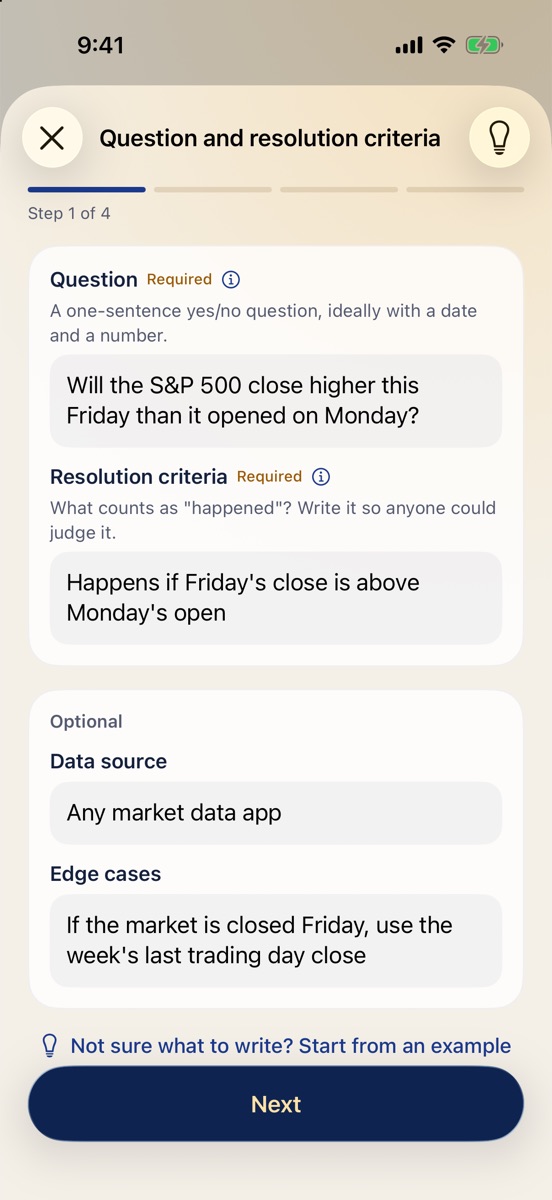
A four-step guide: question, resolution criteria, probability, reasoning. Start from the base rate, then list reasons for and against. After a short grace period it's locked for good.
 FoMind
Forecasting practice for iPhone
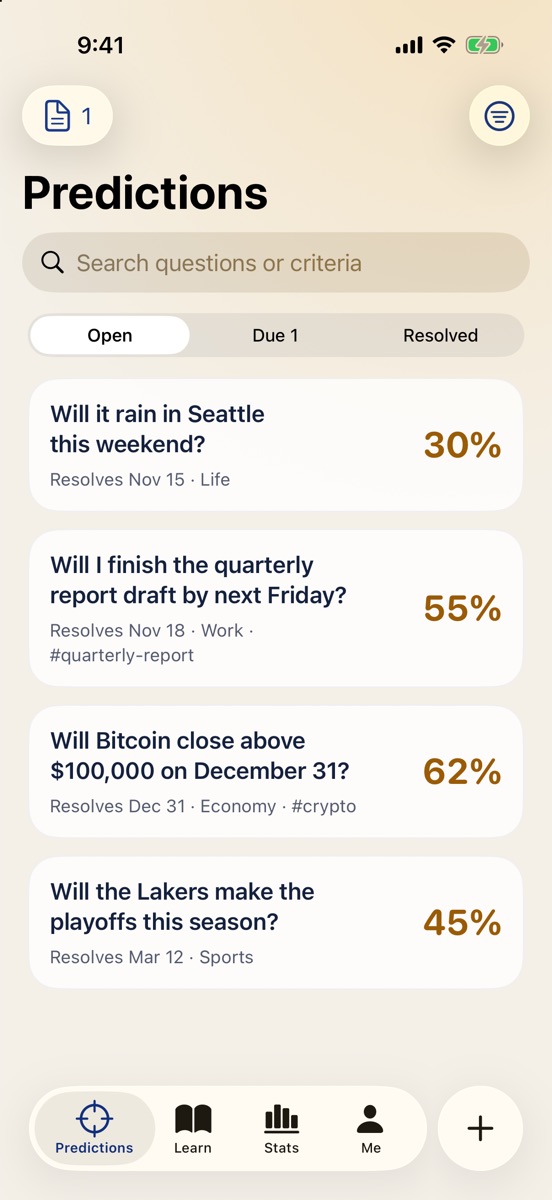
Write down what you think will happen and how likely it is. Check the outcome when it's due, then look back at your reasoning. Brier scores and calibration curves show where you're sharp and where you're overconfident.
Most people never test their own judgment. FoMind turns that loop into a habit: every prediction has a clear resolution criterion and date, and the app reminds you to come back and check.
A four-step guide: question, resolution criteria, probability, reasoning. Start from the base rate, then list reasons for and against. After a short grace period it's locked for good.
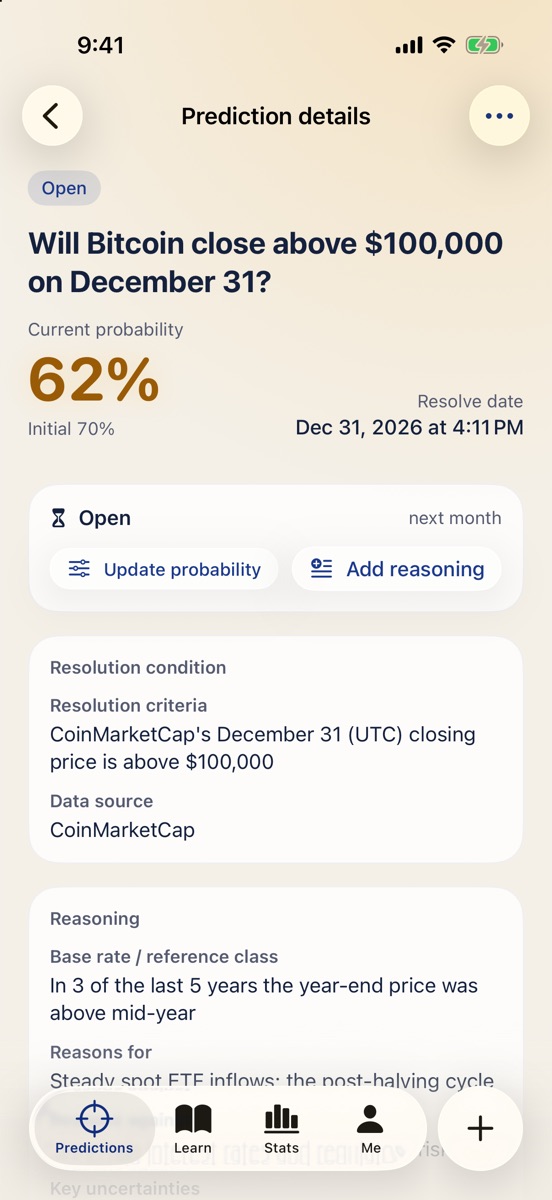
On the resolve date you get a reminder: happened, didn't happen, or void. Attach screenshots as evidence, and log probability updates as new information comes in.
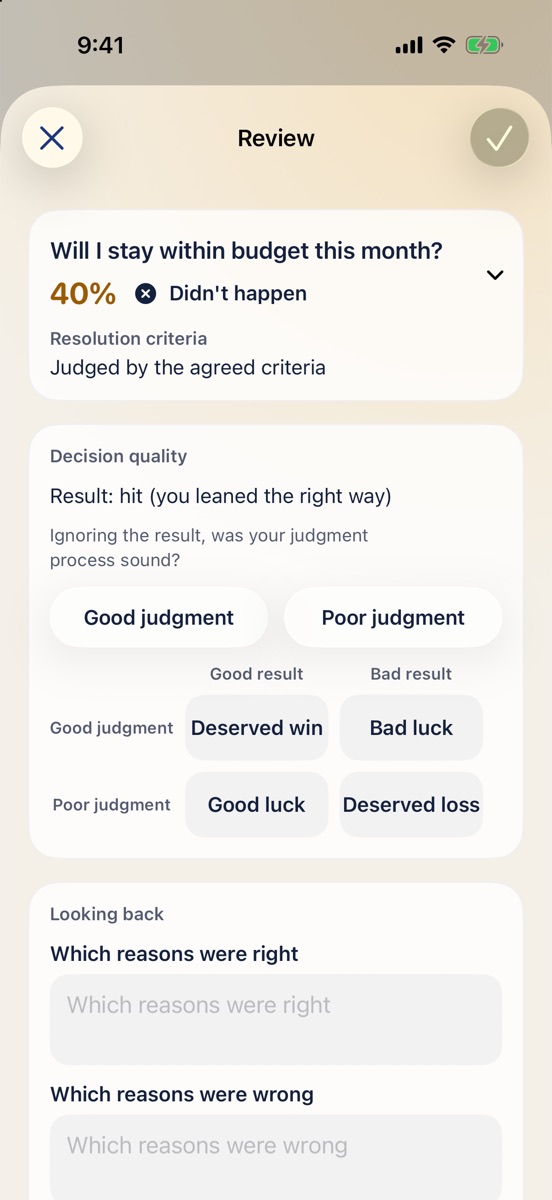
A good outcome doesn't mean a good call. Sort luck from skill with four quadrants — deserved win, bad luck, good luck, deserved loss — and note which reasons held up.
Every resolved prediction gets a Brier score: the gap between the probability you gave and what actually happened. 0 is perfect, always guessing 50% scores 0.25, and lower is better.
The calibration curve asks: of the things you called “70% likely”, how many actually happened? Over time you learn when to be bolder and when to hold back.
| Said 90%, it happened | 0.01 |
| Said 50%, either way | 0.25 |
| Said 90%, it didn't | 0.81 |
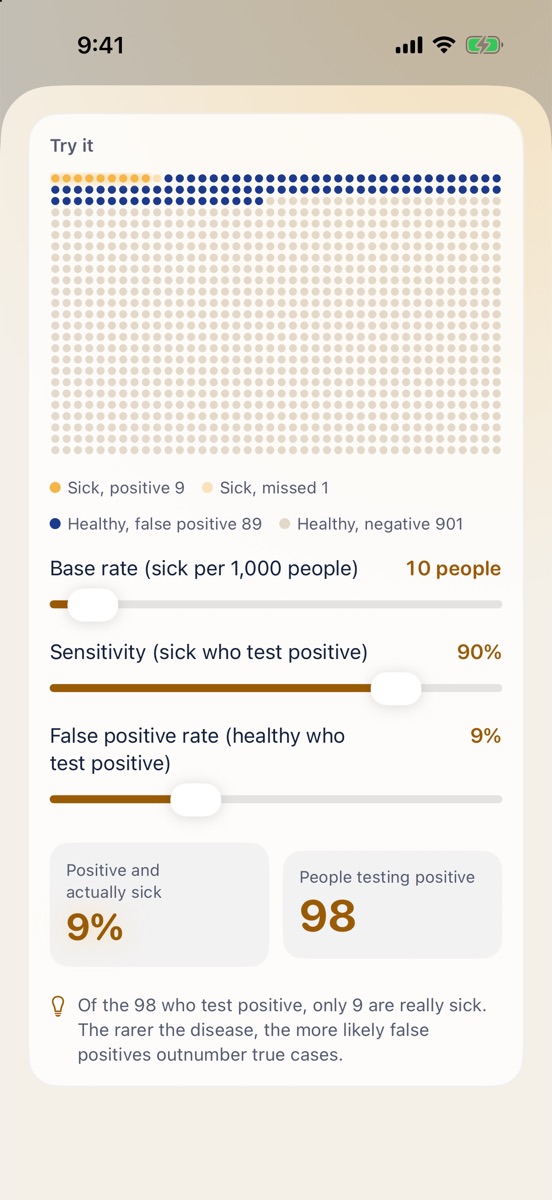
From conditional probability and Bayes to cognitive biases. Each lesson takes a few minutes, with interactive demos and a short quiz, then a real prediction to put it to work.
Your original probability and reasoning can't be edited, only updated. What you review is what you really thought.
A reminder on the resolve date, then again after 1, 3 and 7 days if needed. No prediction quietly slips away.
Brier score, monthly trend, calibration curve and hit rate, scored by your initial or final probability.
Short-term examples — weather, markets, work tasks, workouts — so you get your first results within a week.
See how many predictions are due and what's coming up, right on your Home Screen.
Export every prediction, reasoning note and review as JSON and CSV. Your data is always yours.
The app has no account, no server, no analytics and no ad tracking. App Store privacy label: Data Not Collected.
Predictions, reviews and lesson progress are stored on your iPhone.
With iCloud on, data lives in your own private database. We can't see it.
No third-party SDKs, and nothing is ever reported back to us.
Export everything in one tap. Deleting the app deletes the data on your device.
No. If you can say how sure you are as a percentage, you can start. Lessons begin with the basics, and every formula comes with a hands-on demo.
Anything that will clearly have happened or not by a given date: whether it rains this weekend, whether a project ships on time, whether a team makes the playoffs, whether a metric passes a threshold by month's end. The clearer the criteria, the better.
Sign in with the same Apple ID and turn on iCloud. Your data syncs through your own private iCloud database.
The first version is completely free, with no in-app purchases or ads.
iPhone with iOS 26 or later. The app and all lessons are available in English and Simplified Chinese, and you can switch inside the app.
Pick something that will be settled this week and write down your probability. On the due date, you'll find out how accurate you really are.